Reference idea
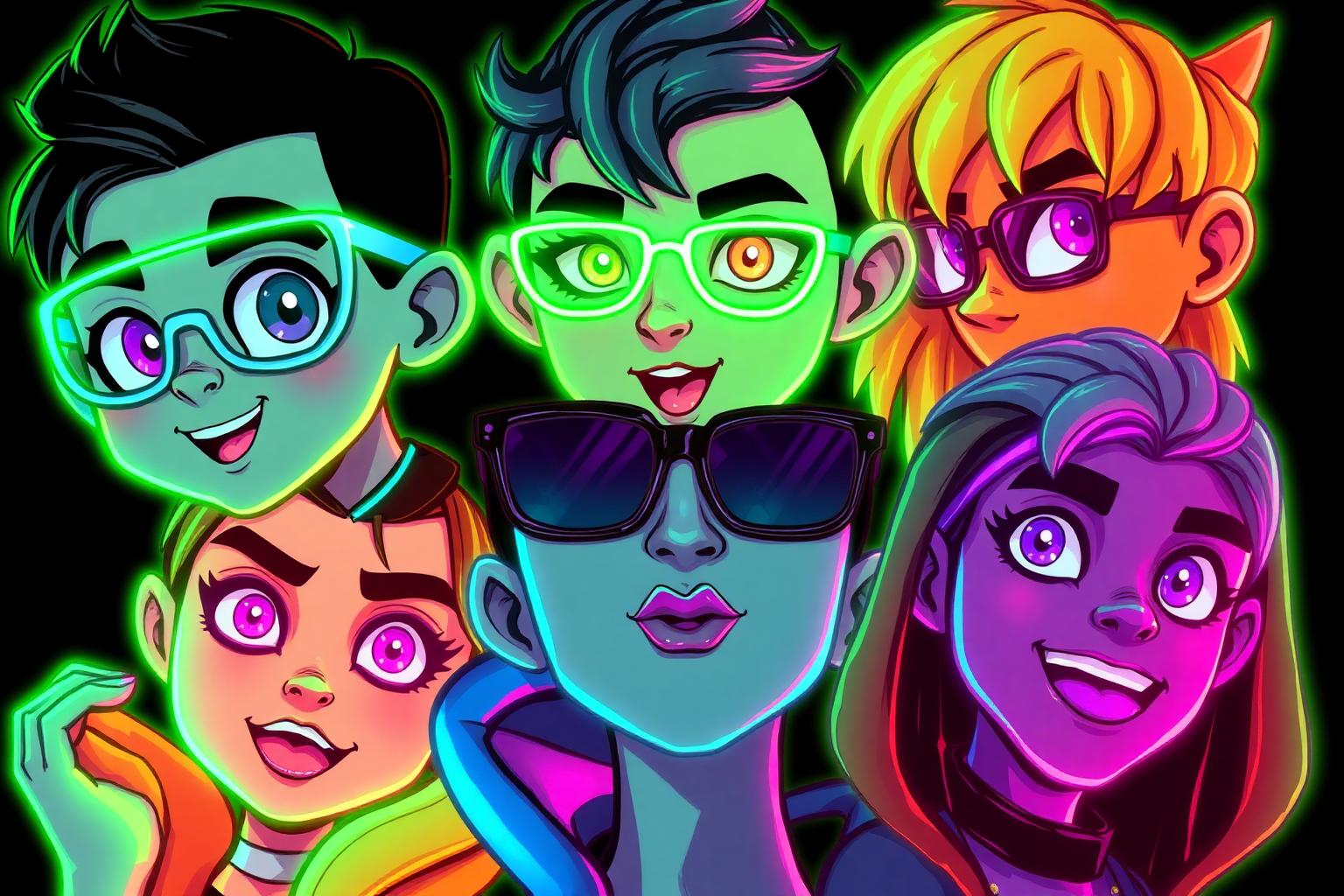
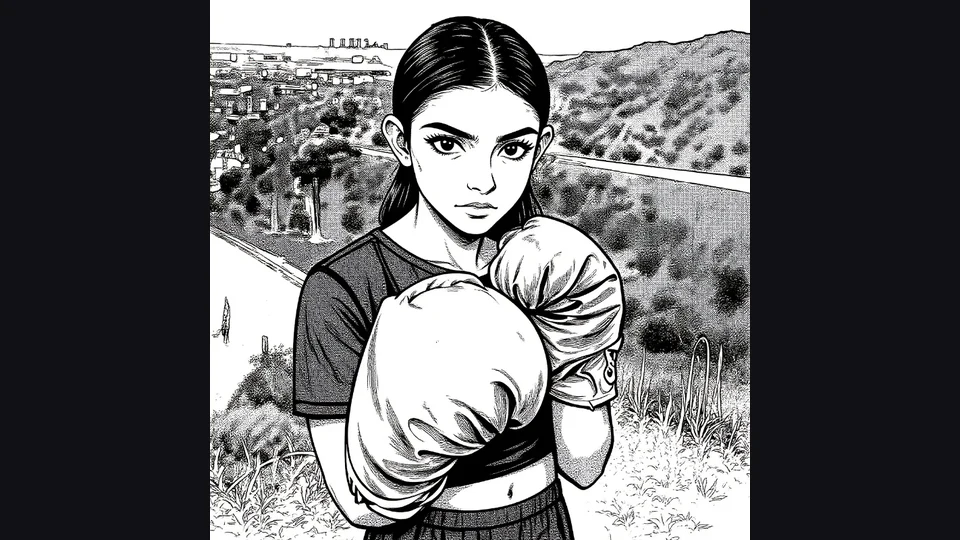
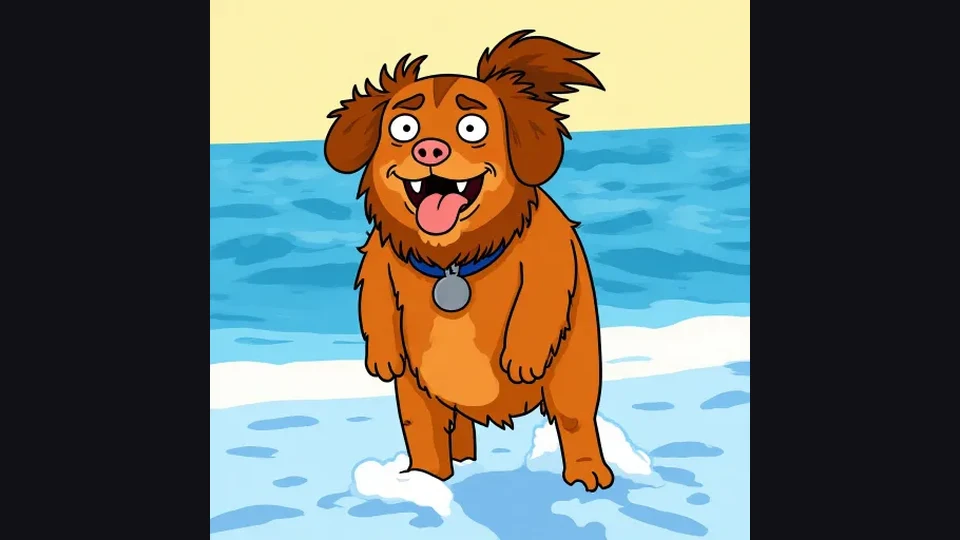
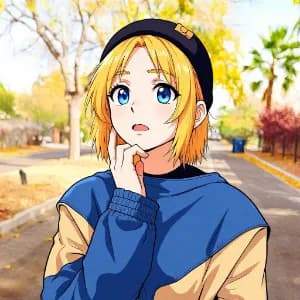
Example 1 of 8Use the cartoon avatar maker to create a recognizable profile picture. Start with a portrait or describe your appearance, then choose a style, background, and framing.
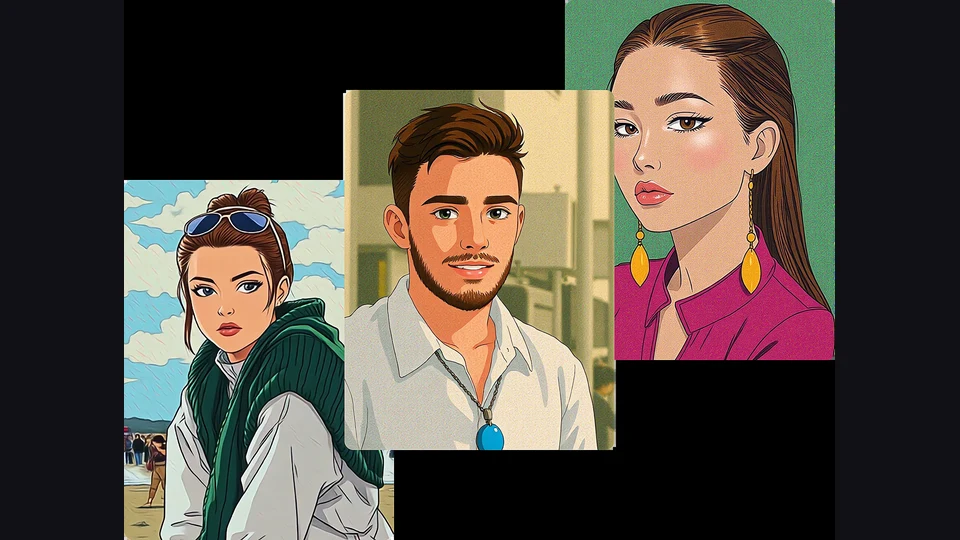
The cartoon avatar maker accepts a portrait for a familiar appearance or a description for an invented persona. Specify distinctive details, such as curly hair, round glasses, a favorite sweater, and a welcoming expression.
Create your avatar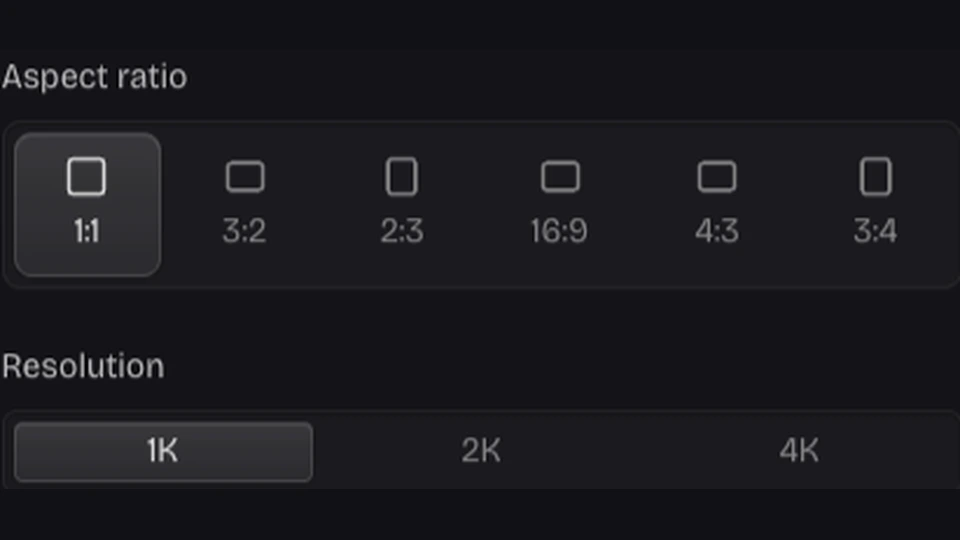
Switch between headshot and upper-body framing. Eight illustration styles plus simple or solid-color backgrounds keep the focus on your face, and square framing gives you an easy crop for social profiles.
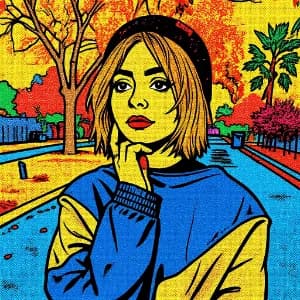
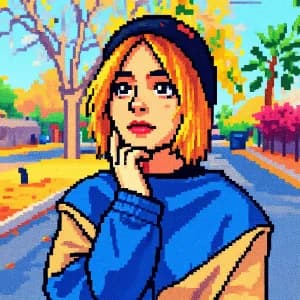
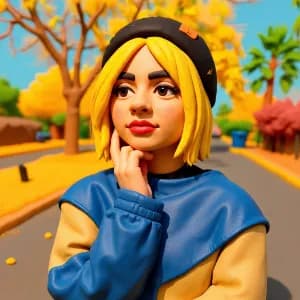
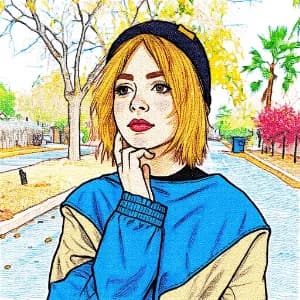
Create your avatarCompare the portrait with its illustrated treatment. A cartoon avatar maker can emphasize the face, hairstyle, and expression; check which details remain clear when the picture appears at profile size.
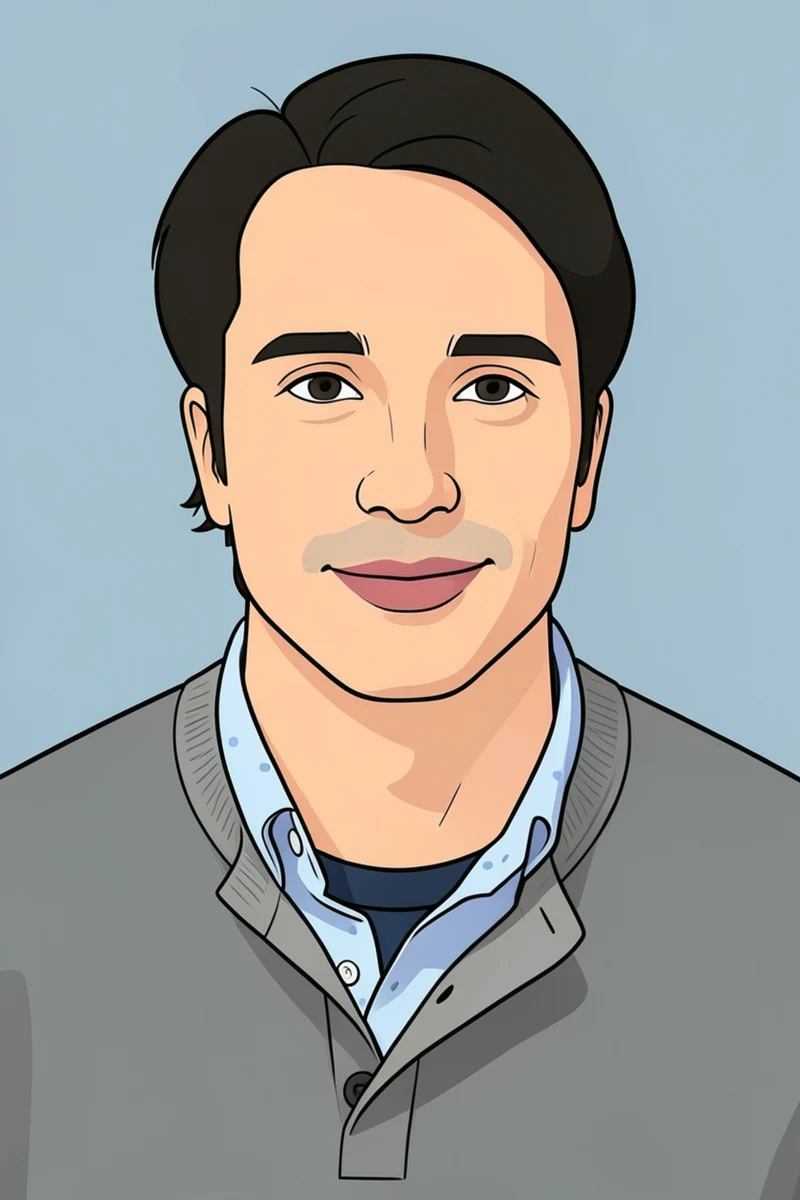

Inspect the face and styling with the slider. For your own avatar, leave room around the subject for the crop used by your platform.
The cartoon avatar maker helps you explore a personal look. Check the face, expression, and framing at the size people will actually see.
A clear portrait gives friends familiar cues to recognize. Keep the hairstyle, glasses, or expression that makes the profile feel like you.
Match the visual mood to where you appear: a casual chat account, a creator profile, or a game community. Choose an illustration style accordingly.
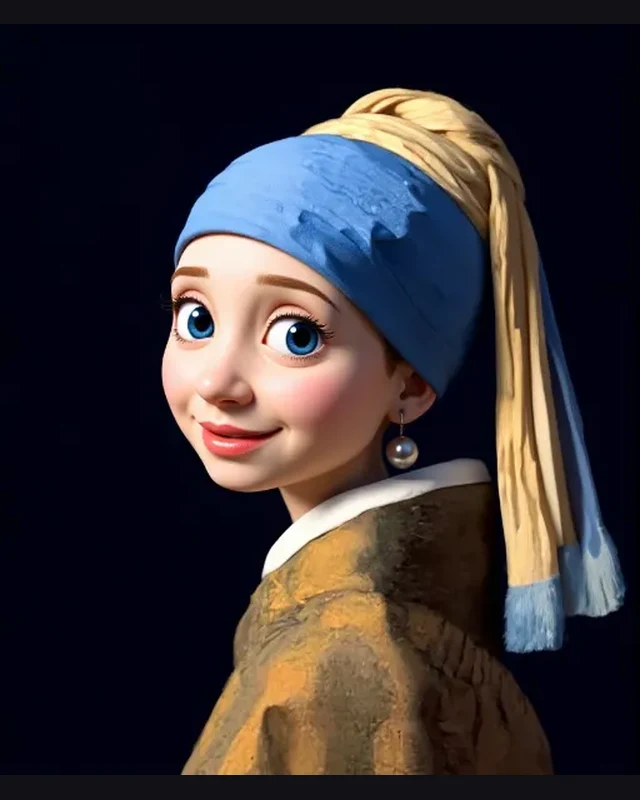
Centered framing leaves space around the face for a platform crop. Check that hair, glasses, and accessories remain visible inside the profile area.
Change a sweater or backdrop without abandoning an expression you like. Editing creates a separate result, so you can compare versions before updating your profile.
Upload a portrait or describe the face, hair, clothing, and expression you want. A clear photo makes it much easier to keep a recognizable likeness.
No. Start with a written description of hair, facial features, clothing, and expression. Text is useful for an invented persona; a portrait gives the generator a clearer reference when resemblance to a real person matters.
Upload a well-lit photo with one clear, unobstructed face. A closer head-and-shoulders shot gives far better facial detail than a distant figure or crowded group photo.
Your portrait and directions guide the illustration toward visible facial details, hair, and expression. Name the features you want to retain. Resemblance can vary, so inspect the finished image before using it as your account picture.
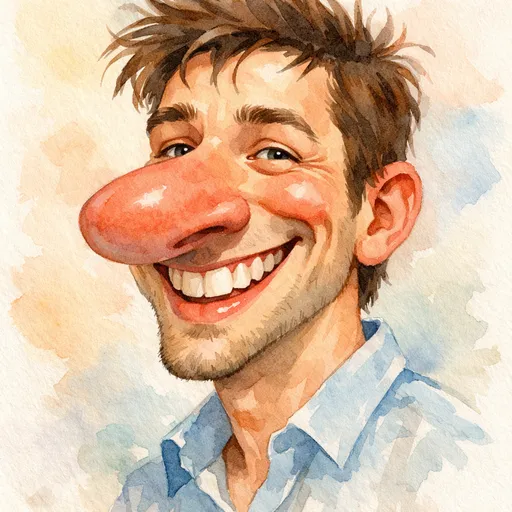
You can pick from 3D, flat illustration, classic anime, comic, watercolor, pixel, clay, and doodle styles. Cleaner flat shapes stay sharp in tiny chat icons, while painted or clay textures shine on larger profile headers.
Headshot framing focuses tightly on your face and shoulders, while bust framing shows more of your upper body and outfit. Mention hats, glasses, or headphones so they don't get clipped by a circular profile crop.
You can choose a simple backdrop, a solid-color background, or keep your original scene. A quiet background helps your face pop at small sizes—just glance at the edges around hair and glasses before saving.
New accounts receive 40 credits once, enough for one 1K creation. Generation and editing cost 40 credits at 1K, 50 at 2K, or 80 at 4K. Check the displayed cost; the signup gift does not renew.
Click Edit on any saved avatar and describe one change—like swapping your sweater while keeping the same smile. Each edit runs as a separate task, leaving your earlier version in My work to compare.
The cartoon avatar maker accepts up to three JPG, PNG, or WebP references, each up to 10 MB. Download from the result panel, then check your platform's required dimensions and file limits before uploading the picture.
Sign in to the same account and open My work. Your submitted prompts and generated avatars stay available for your plan's retention window, while unsubmitted drafts stay only in the current browser tab.

Give the cartoon avatar maker a face, a style, and a clear expression. Create a profile image you can inspect, refine, and use for your next account update.
Create your avatar