
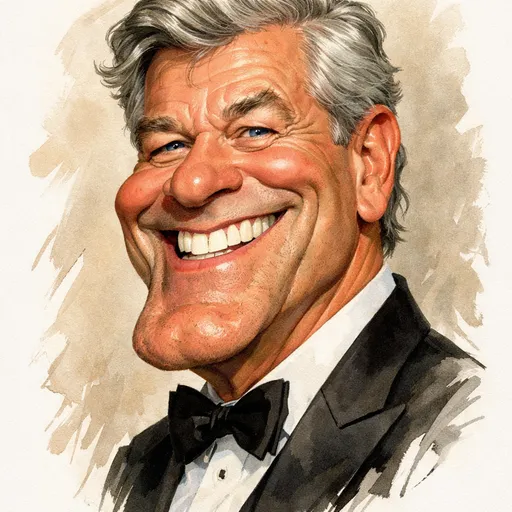

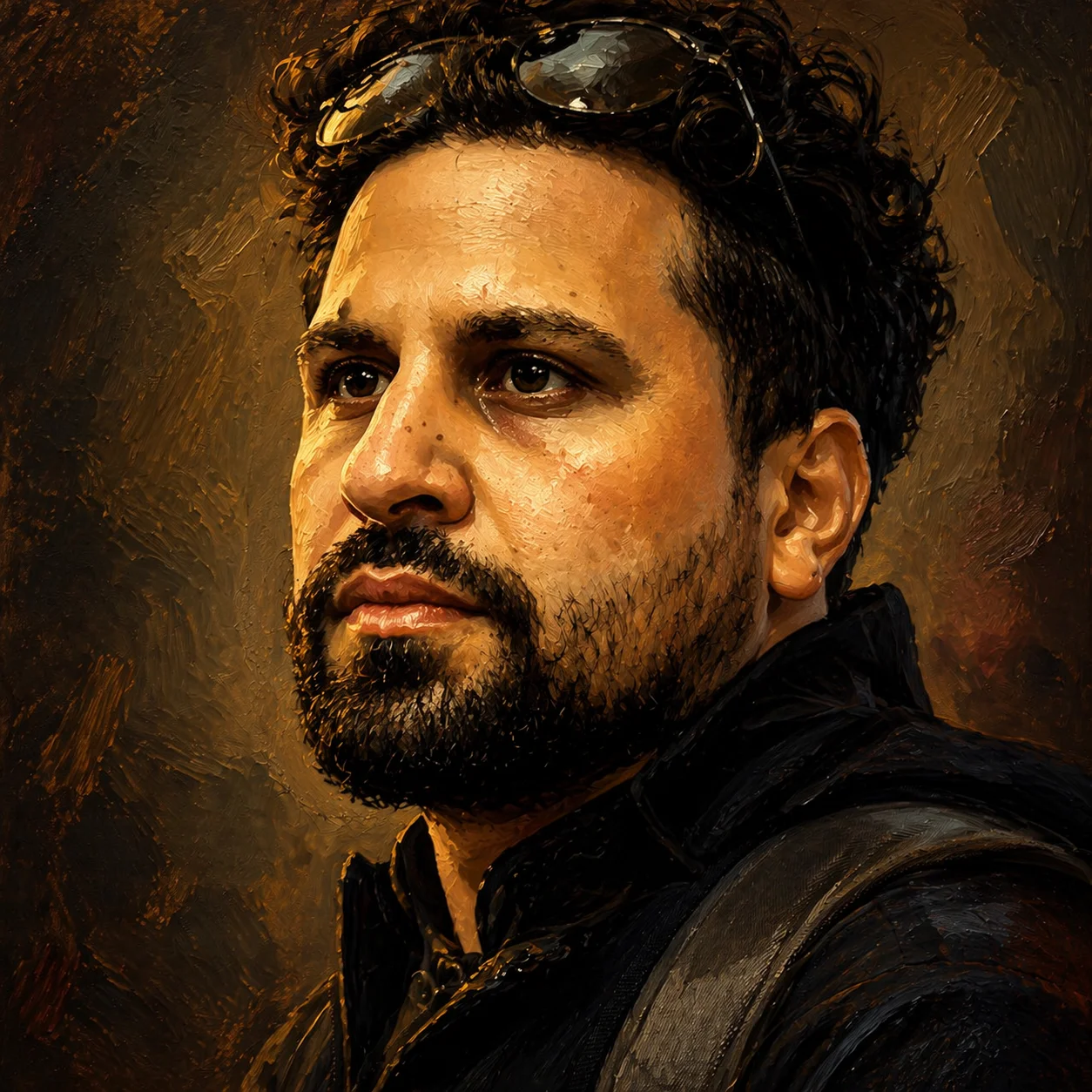
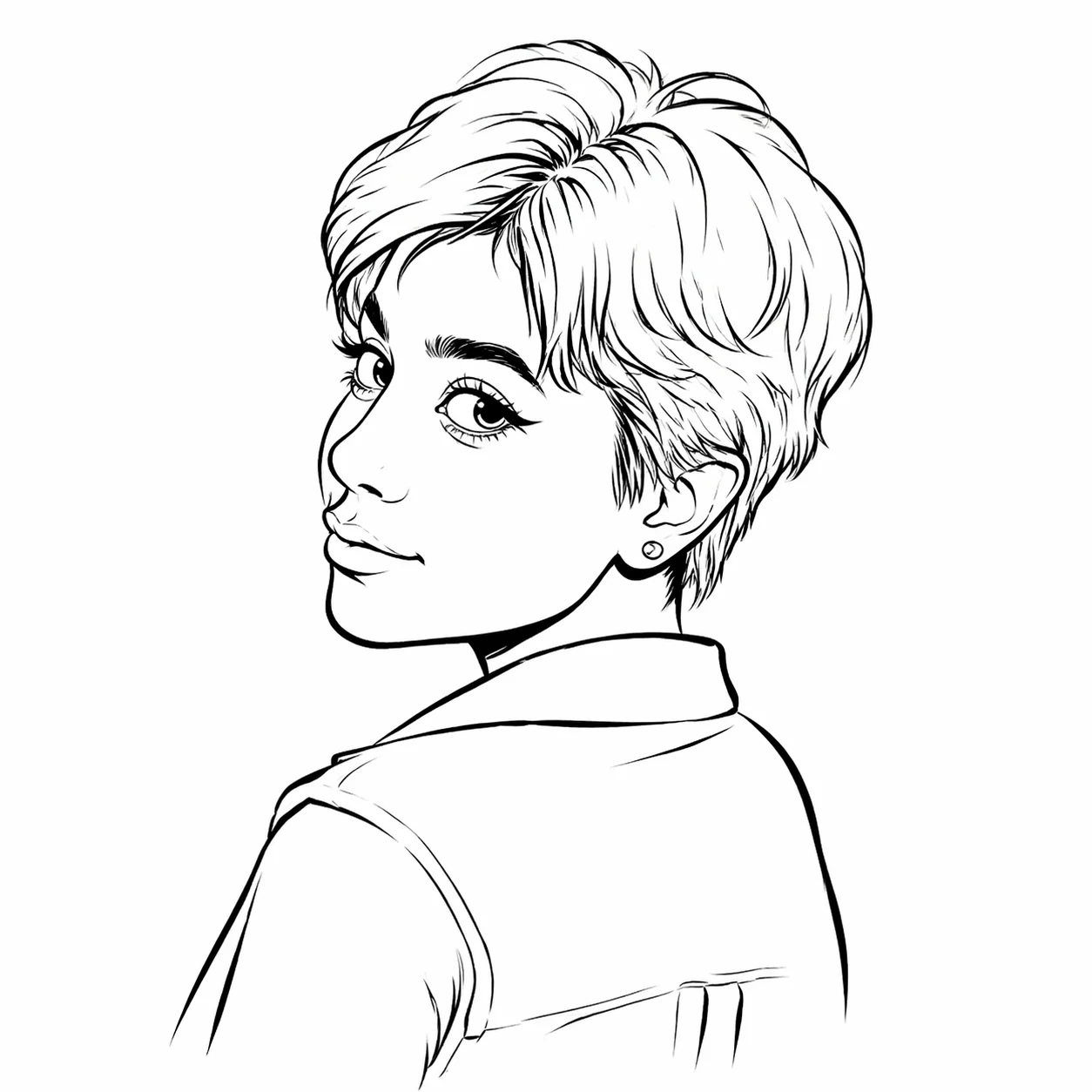
Style reference
Example 1 of 8Create a caricature of me, without learning to draw. This caricature maker turns a photo or a written idea into a playful portrait, with eight art styles and exaggeration you control.
A familiar smile becomes a larger than life illustration. This caricature maker comparison shows how a clear portrait can anchor the face while a new outfit, setting, and artistic treatment add personality.
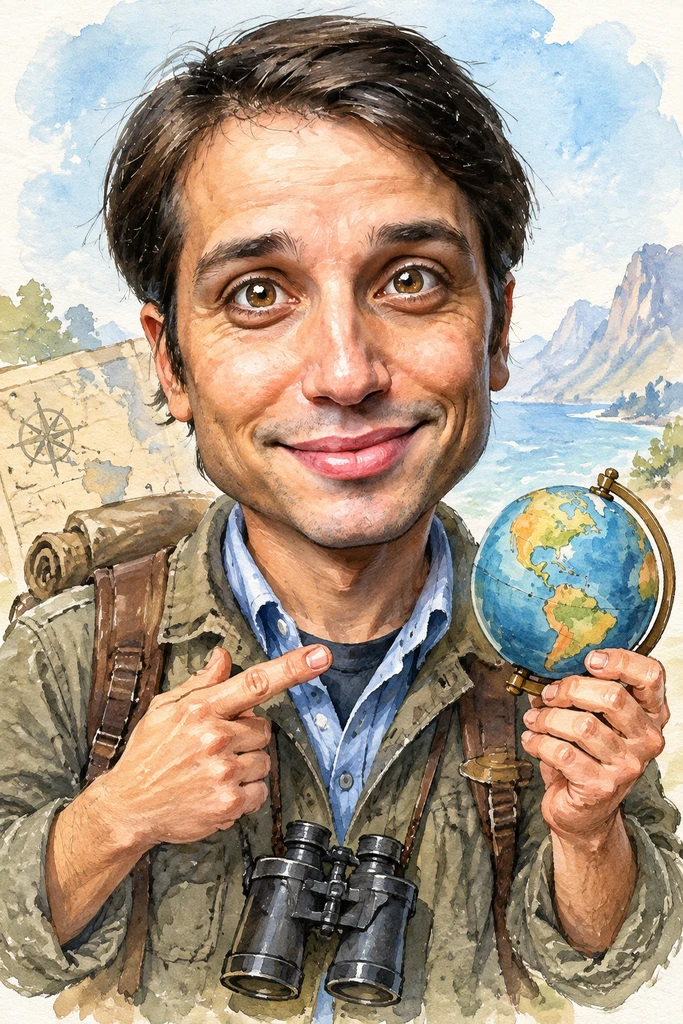

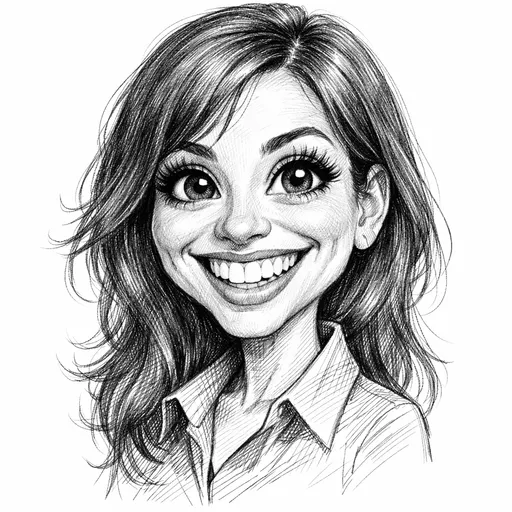
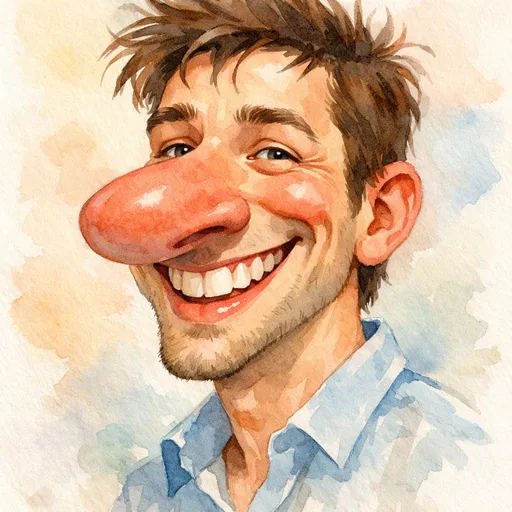
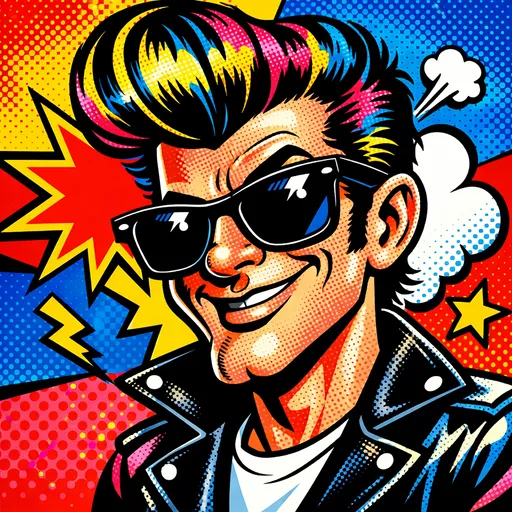
Illustrative reference: the same photo and its result from caricature-generator.com. Your result will vary with the photo, style, and instructions.
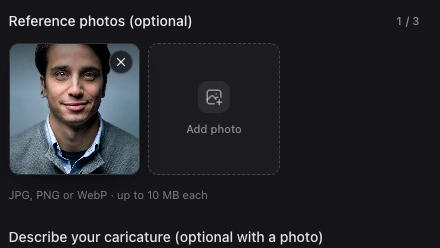
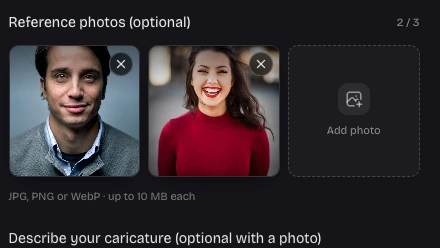
Start with a clear face, or describe a character from imagination. The caricature maker accepts up to three reference photos, so you can add a useful detail or another view. JPG, PNG, and WebP files are supported up to 10 MB each.
Start with a photo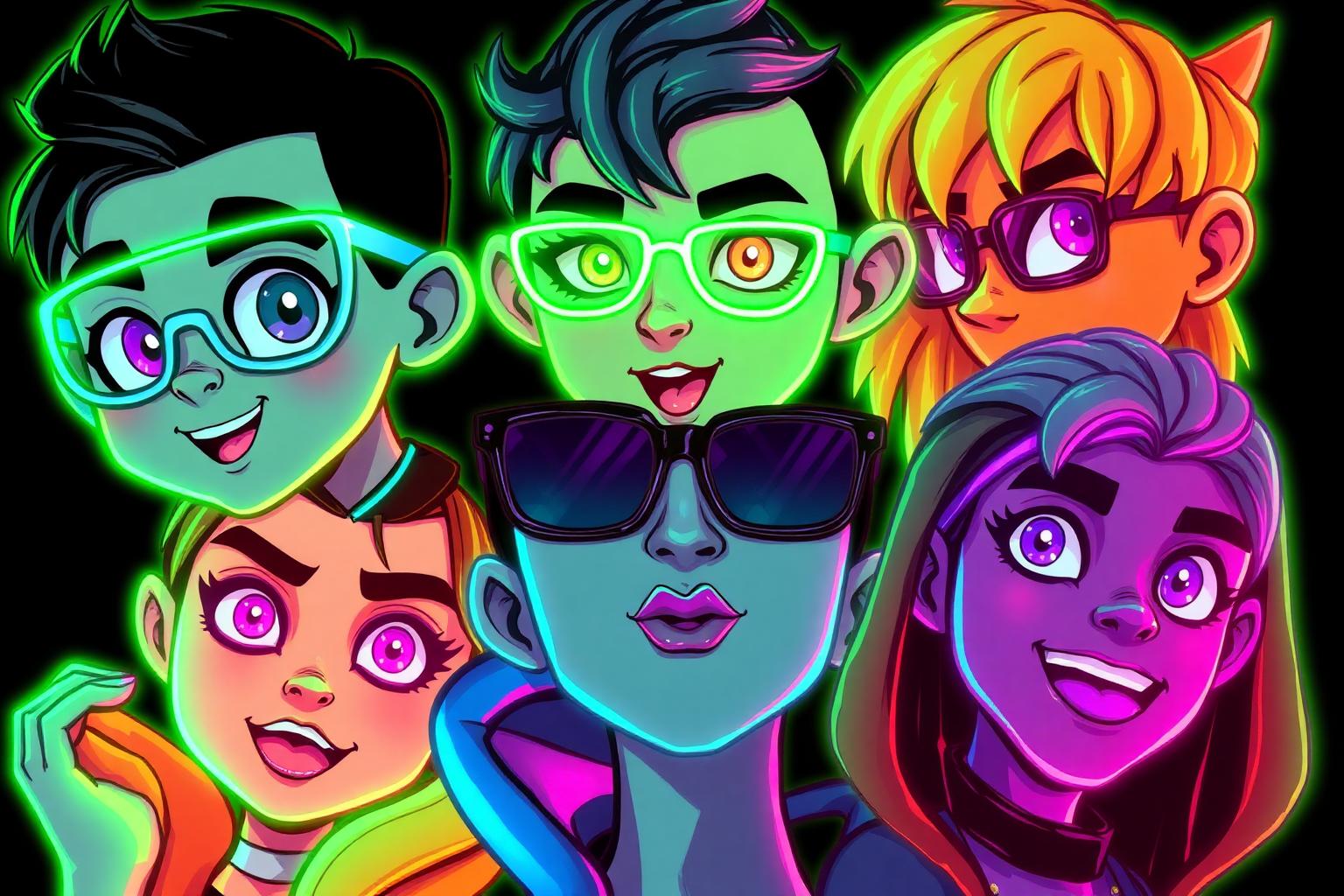
Choose pencil sketch, watercolor, 3D cartoon, pop art, realistic caricature, anime, oil painting, or line ink. Keep the same idea while changing its artistic direction. Style references help you decide whether a softer portrait or a bolder illustration suits the occasion.
Choose an art styleA good caricature is more than a filter. Use the caricature maker to choose the details that make the subject recognizable, then give those details a playful twist that feels appropriate for the person.
Gentle, balanced, and bold exaggeration let you set the tone. Start gently for a recognizable avatar, or try bold for an expressive party portrait.
Describe a hobby, profession, favorite outfit, or memorable place. Those specific details give a birthday picture or a thank you illustration a more personal story.

Generated results are saved privately to your account. Download them while they remain available; the free plan keeps results for seven days, with longer retention on subscriptions.
Pick square, portrait, or landscape proportions before generating. The six available ratios suit avatars, greeting cards, and shared pictures without depending on one fixed canvas.
Upload a clear reference or describe the person. Tell the caricature maker which facial details, outfit, and setting should guide the picture.
Select a style, exaggeration level, ratio, and resolution. Review the displayed credit cost before starting your caricature maker task.
Inspect the completed picture in My work. Download it, or open an edit draft with specific instructions for another version.
Upload a well lit portrait with an unobstructed face, then choose the style and exaggeration. Tell the caricature maker what to preserve and what to change, such as a new outfit or a travel background. Check the result for likeness before downloading; AI may simplify or reinterpret small details.
This free AI caricature generator gives a new account 40 credits once, enough for one complete 1K generation. The free caricature maker from photo trial also accepts text. Further creations and edits need credits; logging in again does not renew the gift. A 2K task costs 50 credits and 4K costs 80.
Yes. Describe the face, hair, clothing, expression, and scene you want. A useful prompt might specify a cheerful chef with round glasses and an oversized hat. The caricature maker interprets that description as a new character. A reference photo is preferable when you want a portrait of a specific real person.
Watercolor gives a softer painted finish; pencil sketch emphasizes drawn lines; pop art favors strong color and expressive contrast. You can select any of the eight styles in the workspace. The displayed artwork is illustrative competitor reference material, so it helps explain a direction rather than promise an identical result.
A clear reference improves the chance of recognizable facial features. Choose gentle exaggeration and describe distinctive glasses, hair, or a smile. This caricature maker creates a new interpretation, so exact likeness is not guaranteed. Review faces, hands, and accessories carefully, especially before using the picture for a gift or an important profile.
Select Edit this picture on a saved picture, then write a specific change, such as replacing the background with a beach while keeping the outfit. The selected picture becomes the first reference for a new task. Each edit uses credits at the chosen resolution; the original is retained as a separate result.
Yes. The couple and family page includes the full tool in group mode below its introduction. Upload a shared photo or up to three separate references, set the requested people count, and describe one scene. Check each face and the number of people in the result; group images may need a more specific prompt.
A creation or edit costs 40 credits at 1K, 50 at 2K, or 80 at 4K. Choose subscriptions for recurring credits or one time packs for occasional use. The $4.90 Trial pack contains 280 credits. Payment is not open yet; the pricing page shows the planned offers with unavailable purchase buttons.
If a task ends in confirmed failure, held credits are released or committed credits are refunded to your balance. A pending task or temporary query error is different: it remains the same task. Refresh to recover its status instead of repeatedly submitting the same input. No result is promised within a fixed time.
After generation, review your picture and use Download to save the original file. Signed in users receive downloads without a site watermark. This caricature maker keeps results privately for the retention period of your plan. Download important pictures before that period ends; permanent pack credits do not make image storage permanent.

Start with a photo you like, choose a style, and make the details yours. Your first 1K generation is covered by the one time registration gift.
Create my caricature