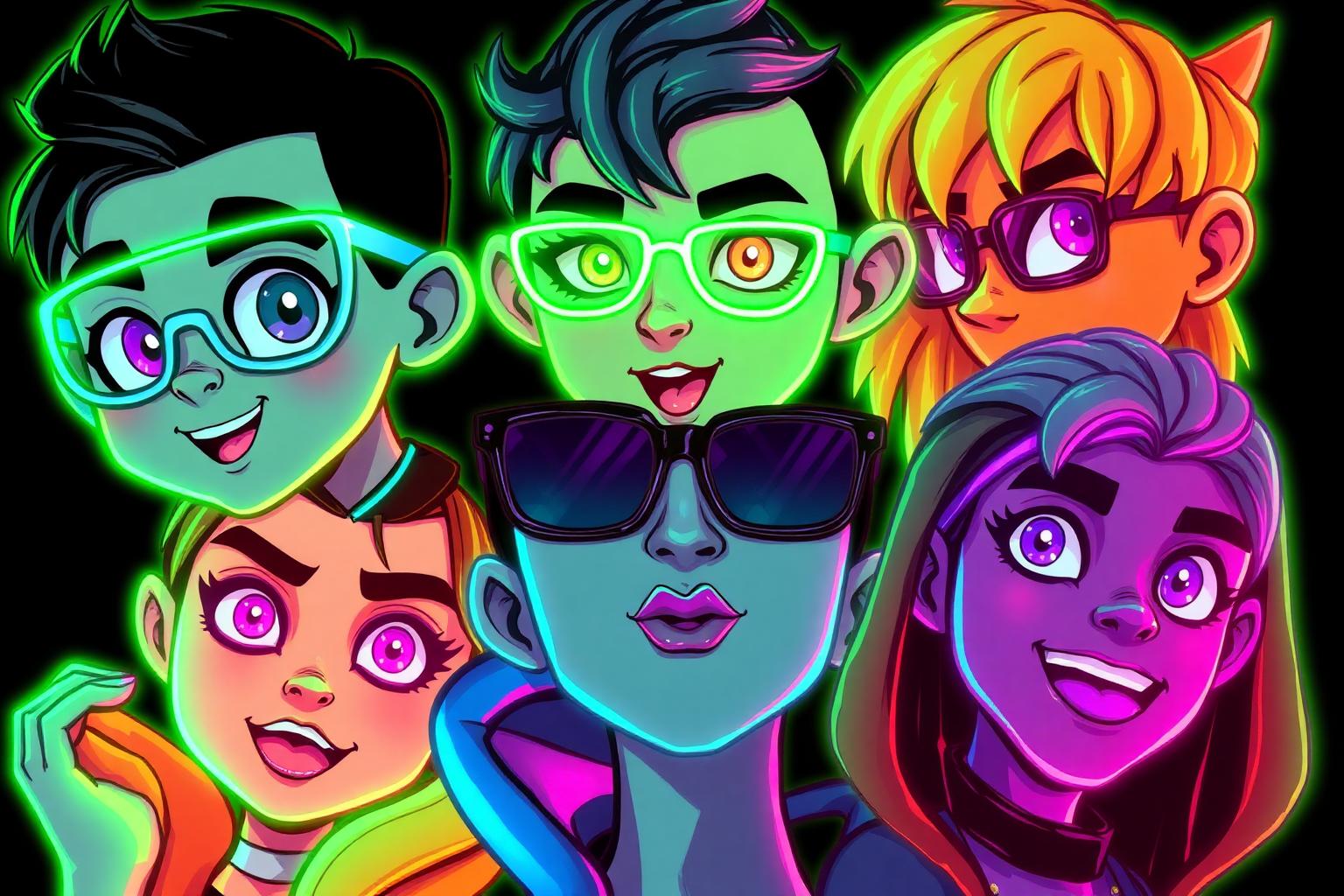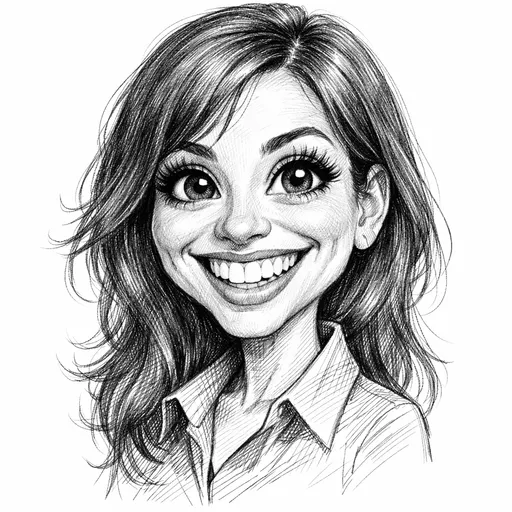
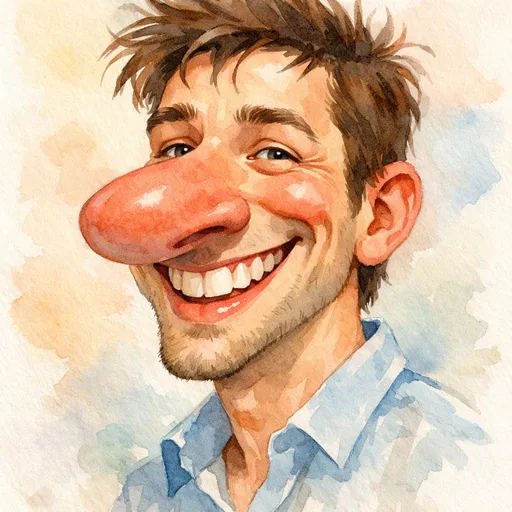
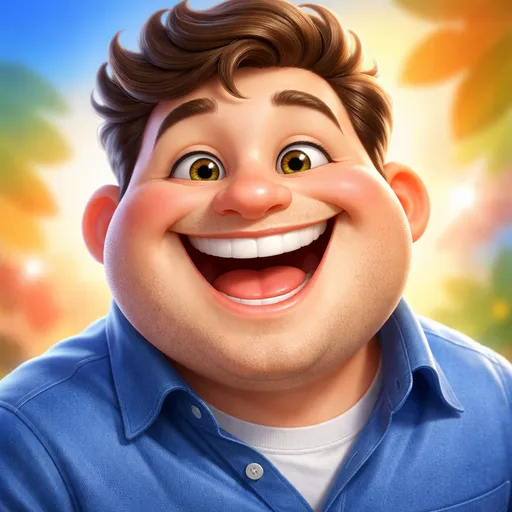
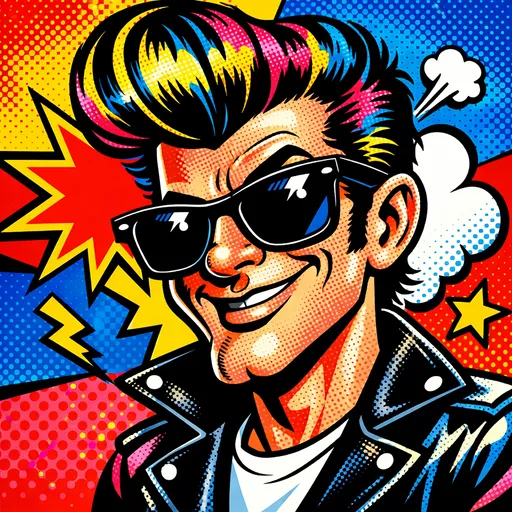
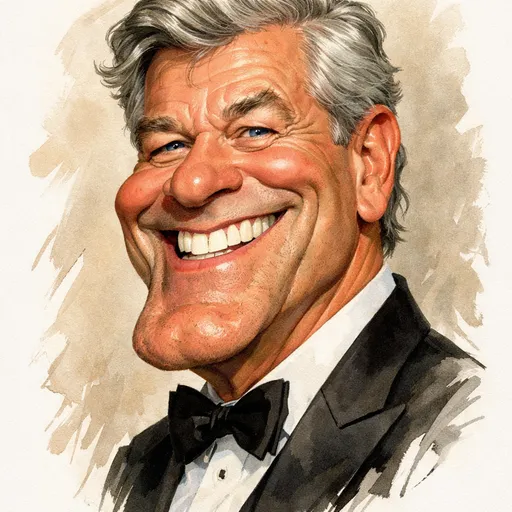
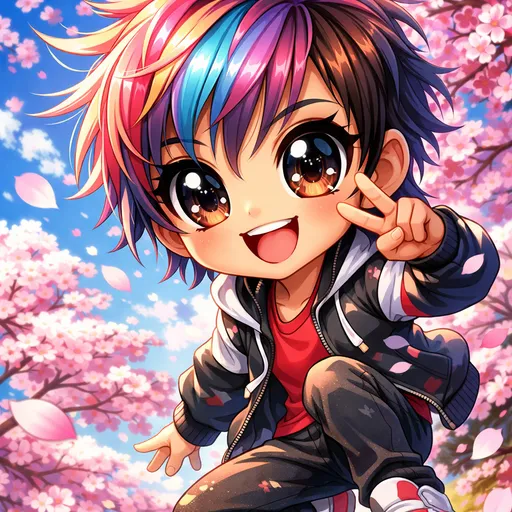
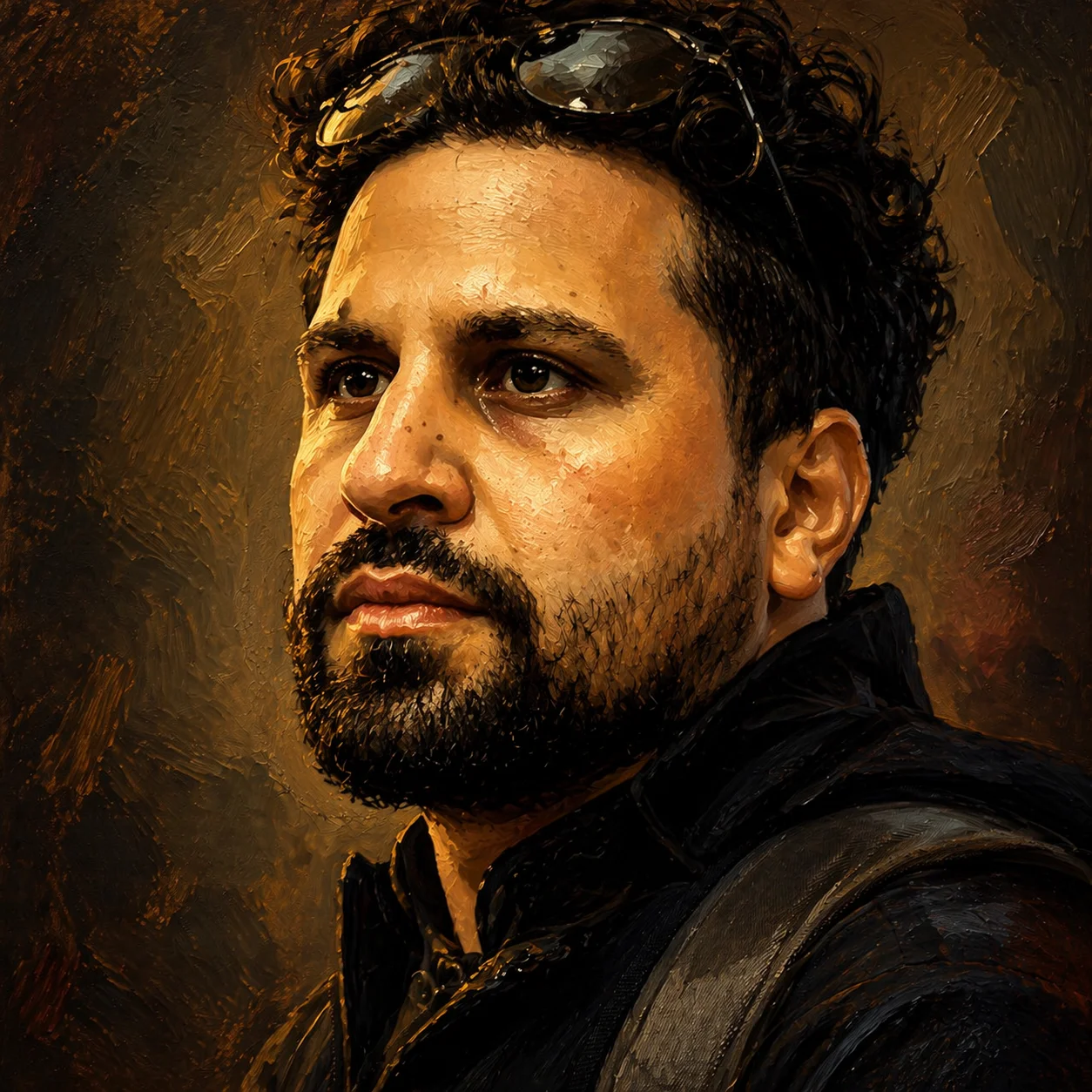
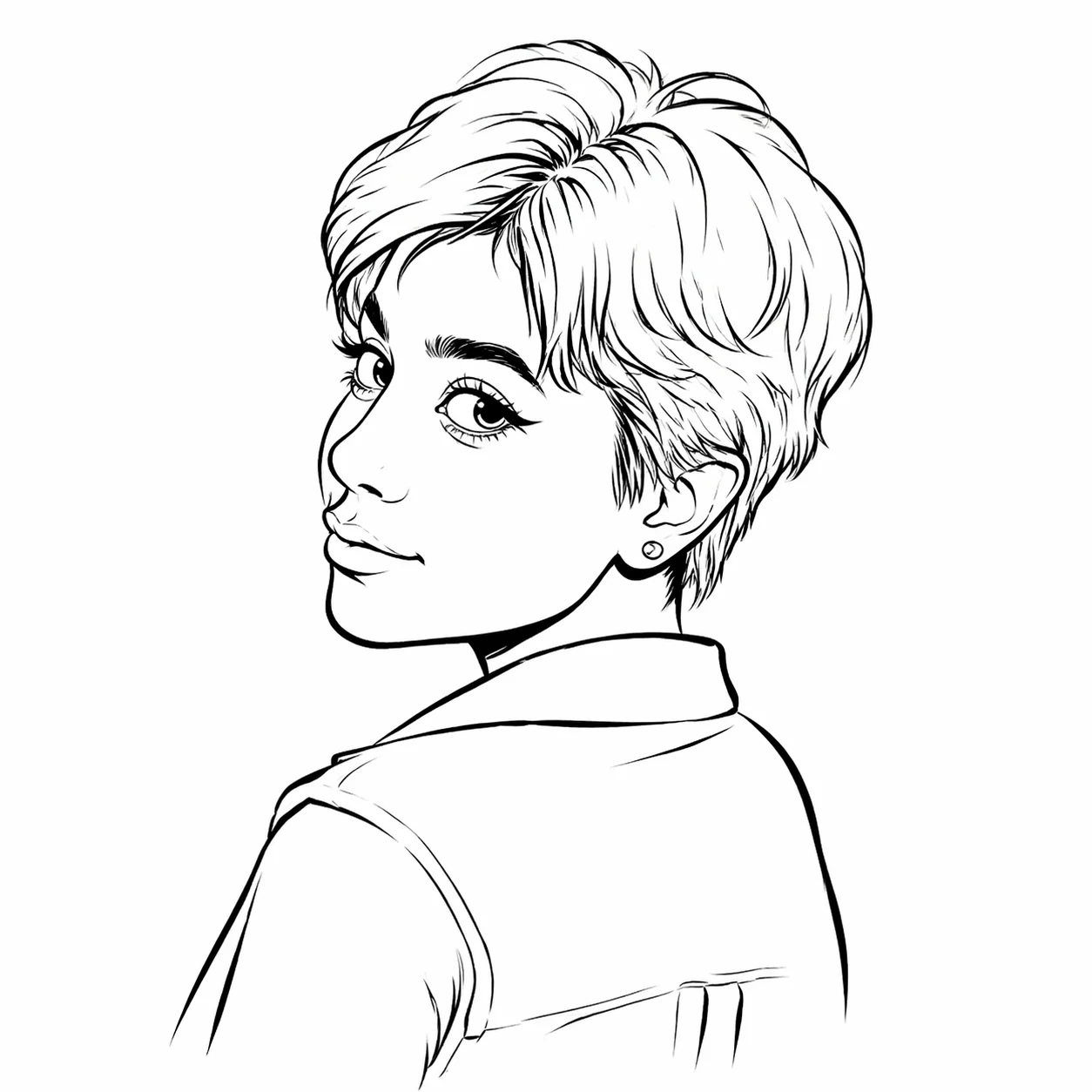
Style reference
Example 1 of 8Put the people you care about in one playful picture. This caricature generator accepts a shared photo or separate portraits, with controls for the people count, art style, exaggeration, and setting.
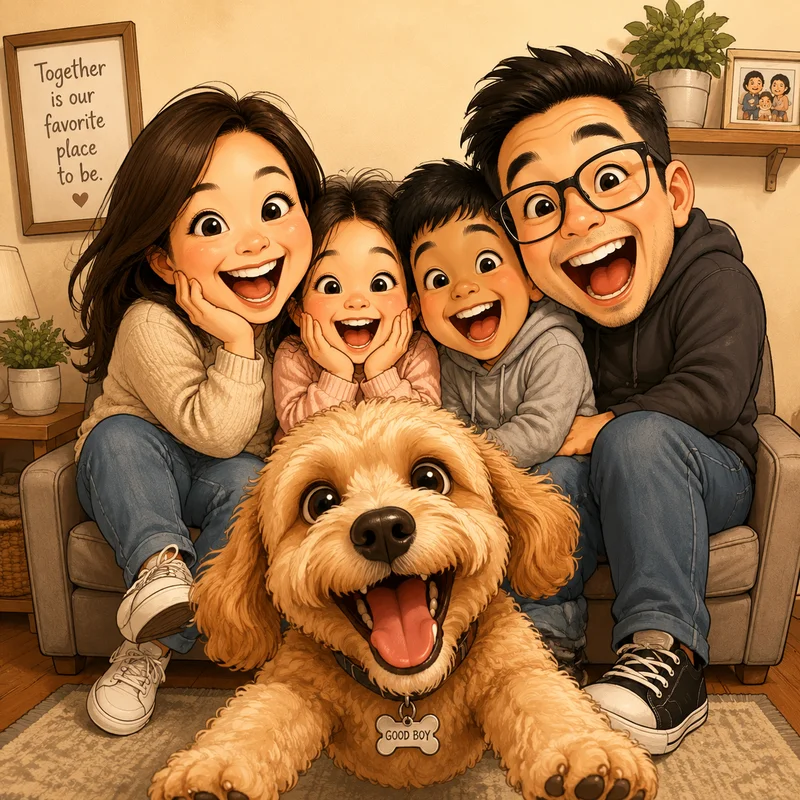
The family stays together while smiles and features become expressive drawn portraits. This caricature generator comparison highlights the relationship between a shared input and one coherent scene, rather than four unrelated pictures.
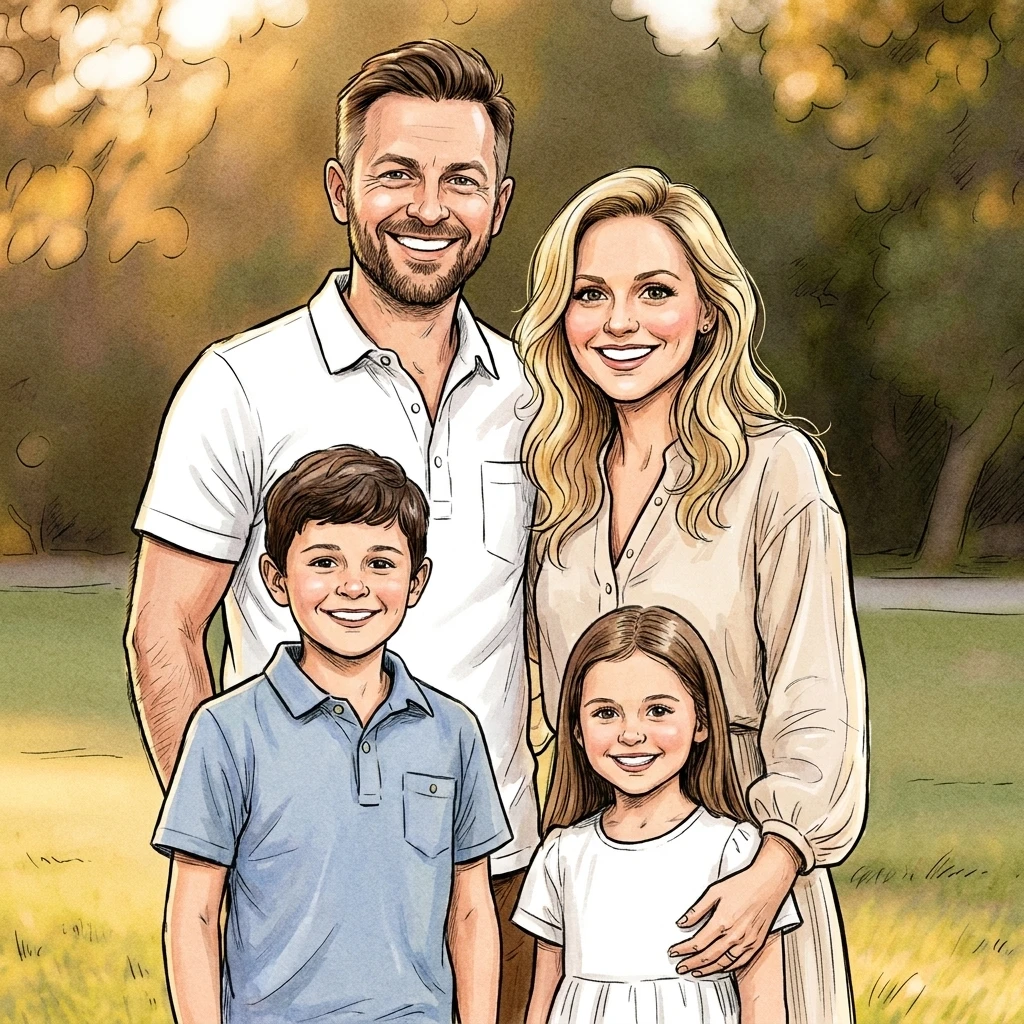
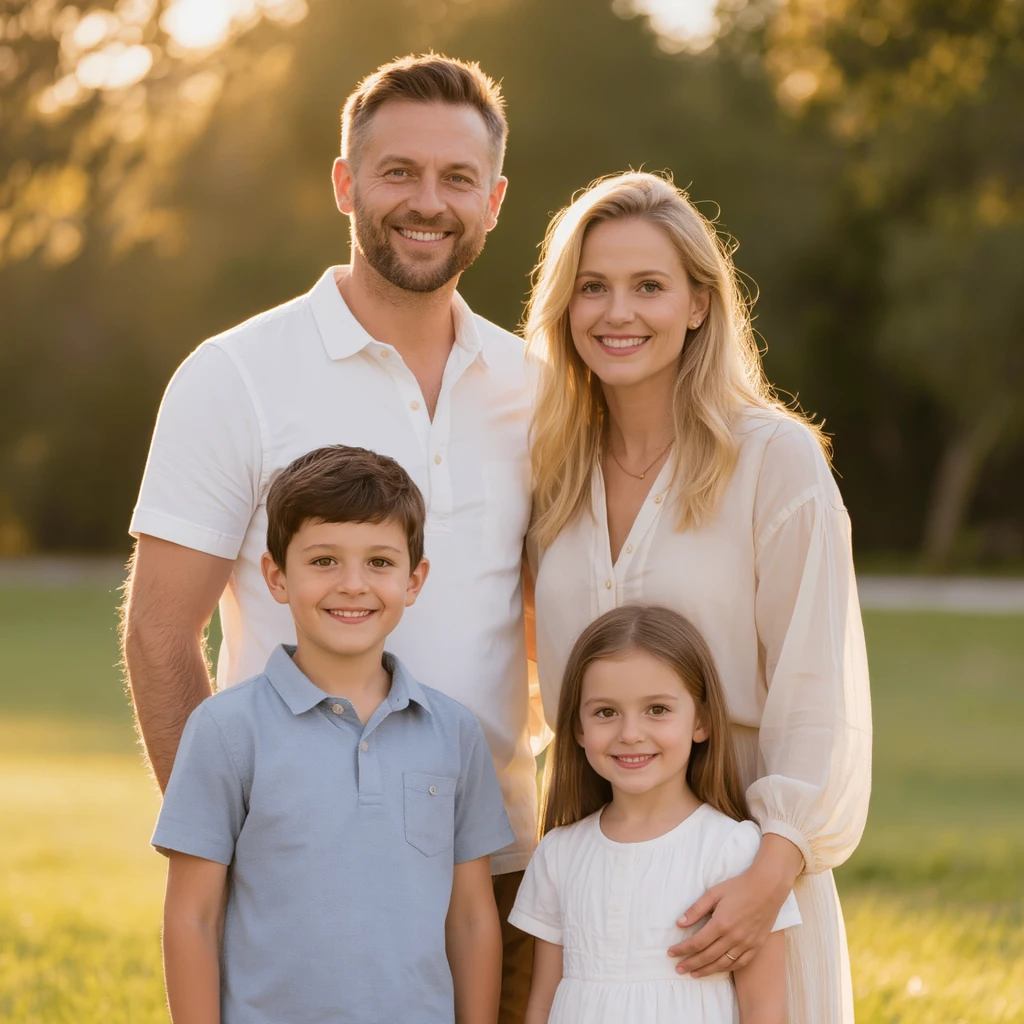
Illustrative reference: matched family input and caricature result from PunchInk. This example was not generated by our product; individual results will vary.
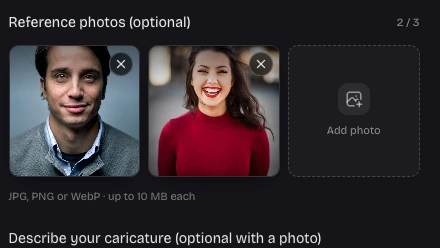
You do not need everyone in the same original photo. Add up to three separate reference images and describe who belongs in the scene. Give distinctive details for each person so the caricature generator has a clearer guide to faces, outfits, and placement.
Add your group photos
Review everyone in the finished picture before saving it. If a background or outfit needs attention, open the result as an edit draft and describe one precise change. The new version is a separate task, so the earlier picture remains available for comparison.
Review the workspaceA couple or family portrait is about the relationship as well as the faces. Give the caricature generator a setting, an occasion, and a few personal details to make the group picture feel connected to your story.
Identify each person by hair, glasses, clothing, or position. Clear distinctions help guide the composition when separate references include different lighting or backgrounds.
Describe a family outing, anniversary, hobby, or team moment. Use the details that matter to the group instead of relying on a generic decorative background.
Choose the art direction and exaggeration once for the whole image. This creates a common visual starting point even when the reference photos were taken separately.
Keep earlier results while trying an edit. Compare faces and expressions together, then download the preferred version before your plan’s private storage retention period ends.
Open group mode and upload a shared photo or separate portraits. Set the people count and describe each person clearly to the caricature generator.
Choose one art style, exaggeration level, ratio, and resolution. Tell the caricature generator how people should interact and what background belongs in the picture.
Inspect the completed image for missing people, likeness, hands, and expressions. Download the result or give specific instructions for a separately charged edit.
Yes. This caricature generator can use a couple photo or separate portraits to guide one shared picture. Set the people count to two and describe their positions, outfits, and setting. Our actual two reference test produced two people in one scene. Check both faces carefully; likeness and composition are not guaranteed.
Yes, you can upload up to three JPG, PNG, or WebP references, each no larger than 10 MB. Use a clear face in each image, then explain which person is which. The caricature generator uses all uploaded references, but may reinterpret a detail or position. Similar lighting and visible faces are helpful.
Group mode lets you request two to eight people. A shared photo is useful when more people need to fit within the three reference limit. Two people have been tested with real generation; larger groups are supported settings with less quality evidence. Review the output count and each face rather than assuming perfect inclusion.
Watercolor or gentle pencil sketch can make a warm keepsake; 3D cartoon or pop art can suit a more playful group. The caricature generator offers eight styles with three exaggeration levels. Choose the tone for the recipients, then add a shared hobby or memory. Preview artwork is illustrative, so your final result may differ.
Give each person a short description using stable details such as glasses, hairstyle, outfit, and position. Avoid instructions that contradict the references. For example, ask for the person in blue on the left and the person in red on the right. Review the result because AI may combine or confuse similar features.
New accounts receive 40 credits once, enough for a complete 1K task including a group creation. There is no extra charge based on the people count or number of uploaded references. Another login does not renew the gift. Further creations and edits require credits; 2K uses 50 credits and 4K uses 80.
Open Edit this picture and identify the person by position or a distinctive feature. State what should change and what should stay, such as adjusting one outfit while keeping the other faces. The caricature generator creates a new interpretation, so compare the whole image afterward. Each edit consumes credits and preserves the original result separately.
Square can work for a couple avatar, while a wider ratio gives several people more horizontal space. The available ratios are 1:1, 3:2, 2:3, 16:9, 4:3, and 3:4. Choose the intended shape before generation. Wide layouts help composition but do not guarantee every requested person will appear correctly.
Yes. The homepage focuses on single person portraits and characters described in text. It includes the full tool below its introduction in portrait mode, with the same styles, resolution choices, private result history, and edit actions. Choose that entry when your main goal is one face; group mode adds controls for a shared composition.
Ask permission to use other people’s photos and inspect the result before sharing. Downloads do not add a site watermark. Free accounts keep generated pictures privately for seven days; subscriptions provide longer retention. The caricature generator offers a downloadable digital image, not a printing or shipping service, so save important files locally.

Bring your favorite faces together. Choose a clear photo, describe the scene, and create one picture that gives everyone a place in the story.
Create a group caricature